Search The Client Knowledge Base

Tutorials, videos, and step-by-step guides that show you exactly how to manage your website.

Search by keyword—pages, posts, settings, errors, features, anything. Start typing to see instant results.

Filters
By Category

Month: February 2026

Didn’t find what you were looking for?

If your search didn’t return a clear answer, use the AI Web Design Guide for immediate help.

It’s designed specifically for website support and training, using the same tools and workflows your site is built on. The guide is pre-configured to understand WordPress, Elementor, and common plugin setups, and it will guide you through the solution step by step based on what you’re trying to do.

This is the fastest and most reliable way to get unstuck when an article doesn’t cover your situation yet.

Recent Post

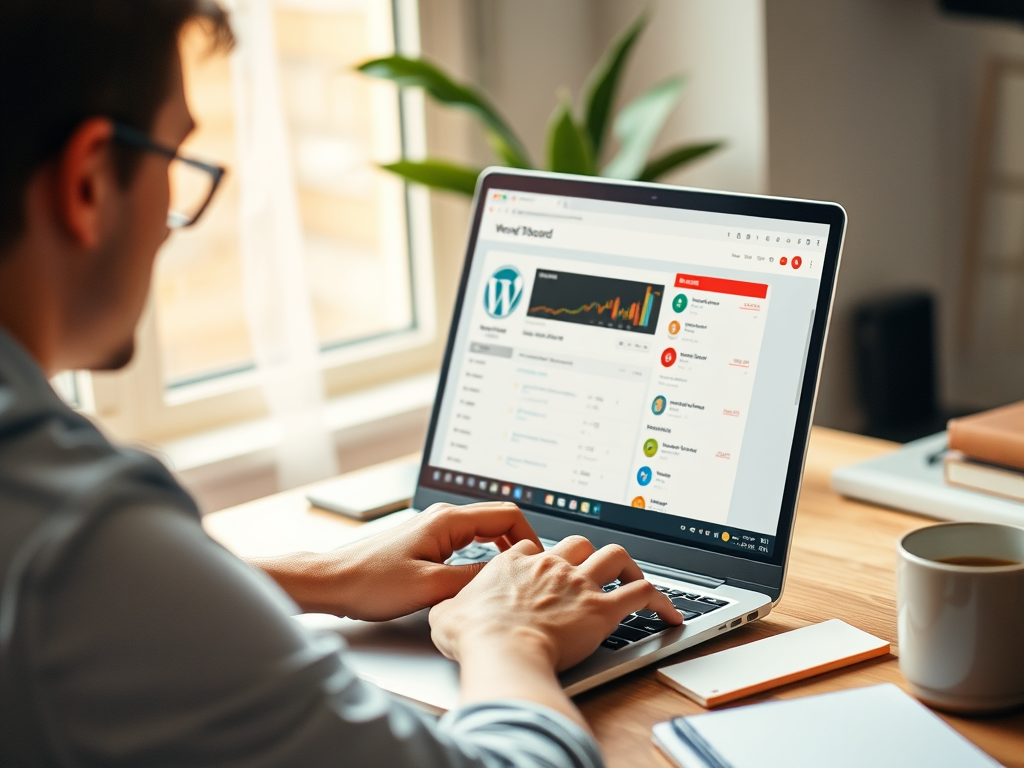
Getting Started with Your First WordPress Dashboard Walkthrough

Learn what you’re seeing after your first WordPress login, how the dashboard is organized, and which areas to explore first as a new site owner. Why the WordPress Dashboard Matters on Day One When you log into WordPress for the first time, the Dashboard is your home base. It’s where

Read More

Getting Started with WordPress Media Library and File

Learn how to safely upload, organize, and manage images and files in the WordPress Media Library so your new site stays fast, tidy, and easy to maintain. https://www.youtube.com/watch?v=PcsythkdHrI Why the WordPress Media Library Matters Your Media Library is where WordPress stores all images, documents, and other files used across your

Read More

Getting Started with WordPress User Roles and Safe

Learn how WordPress user roles work, how to add new users safely, and how to keep access to your site organized and secure from day one. https://www.youtube.com/watch?v=IHBOV2z2JFs Why User Roles and Access Basics Matter on Day One Before you invite anyone into your new WordPress site, it’s worth understanding how

Read More

Getting Started with WordPress Navigation Menus for New

Learn how to create, organize, and safely edit your WordPress navigation menus so visitors can quickly find what they need on your site. https://www.youtube.com/watch?v=WNuTtTlXOP8 Why Your WordPress Navigation Menu Matters Your main navigation menu is one of the first things visitors use to understand your website. A clear, well-structured menu

Read More

Getting Started with WordPress Pages, Posts, and Basic

Learn the practical differences between WordPress pages and posts, and follow a simple, safe workflow for creating and editing content on your new site. https://www.youtube.com/watch?v=ekFGbI-x3xw Why Understanding Pages, Posts, and Editing Matters When you first log into WordPress, it can feel like there are too many ways to add content.

Read More

Getting Started with Your New WordPress Site: The

Use this checklist to review the most important settings, content, and health checks on your brand?new WordPress site before you start sending visitors. https://www.youtube.com/watch?v=vzNRJkzYf4E Why a First-Day WordPress Check Matters When a new WordPress site goes live (or is handed to you by Compass Production), it’s tempting to immediately start

Read More

Getting Started with WordPress: A Clear, Practical Beginner

New to WordPress? This guide explains what WordPress is, how it works, and the core pieces you’ll use every day so you can approach your new site with confidence. https://www.youtube.com/watch?v=UHPoCw8xvVs 1. What WordPress Actually Is (In Plain Language) WordPress is a content management system (CMS) — software that helps you

Read More

How to Use the WordPress Native Post Editor

Learn step-by-step how to create, format, optimize, and publish blog posts using WordPress’s built?in block editor (Gutenberg). Video #1 https://www.youtube.com/watch?v=wQ7g0DZL2zM Video #2 https://www.youtube.com/watch?v=DaaCThv_NNM Overview: What the WordPress Post Editor Is The WordPress post editor (also called the Block Editor or Gutenberg) is where you write and format blog posts. It

Read More

Give us a call at
(208) 449-4466

Or give us your info and we will call you.

Give us a call at (208) 449-4466
Or give us your info and we will call you.

Get a Quote/Contact Form
By submitting this form, you acknowledge that you have read and agree to our Privacy Policy and Terms & Conditions.

Request a New Topic

Suggest a tutorial, guide, or course idea you’d like to see added. I review every submission.

Topic Request (Knowledge Base)

By submitting this form, you acknowledge that you have read and agree to our Privacy Policy and Terms & Conditions.

Report an Issue

Flag incorrect info, broken media, or unclear steps. we review every report.

You’re reporting: {Post Title}

Content Report

By submitting this form, you acknowledge that you have read and agree to our Privacy Policy and Terms & Conditions.

Websites That Work as Hard as You Do

Are you ready to grow your business?
Call (208) 449-4466 or schedule an in-person meeting today.