
Before you touch a theme, install a plugin, or watch a single tutorial, you need to understand what WordPress actually is and why it dominates the web.
WordPress is not a trend, a page builder, or a hobby tool. It’s a full-scale content management system designed to publish, organize, and control digital content at any size — from a one-page site to massive, high-traffic platforms.
It started in 2003 as a simple blogging engine. That matters, because it was built from day one around publishing. Clean URLs. Structured content. Ownership. Portability. No proprietary lock-in. As the web evolved, WordPress evolved with it — not by reinventing itself every year, but by staying flexible at the core and letting functionality expand outward.
That design decision is the reason it won.
Why WordPress Became the Standard
WordPress is open-source. That single fact explains almost everything.
Open-source means:
- No company owns your site
- No platform can shut you down
- No forced subscriptions or pricing tiers
- No artificial limits on content, pages, or traffic
Developers around the world contribute to the core, audit the code, fix security issues, and extend it through plugins and themes. That global ecosystem is why WordPress scales better than closed platforms — not because it’s flashy, but because it’s stable, documented, and adaptable.
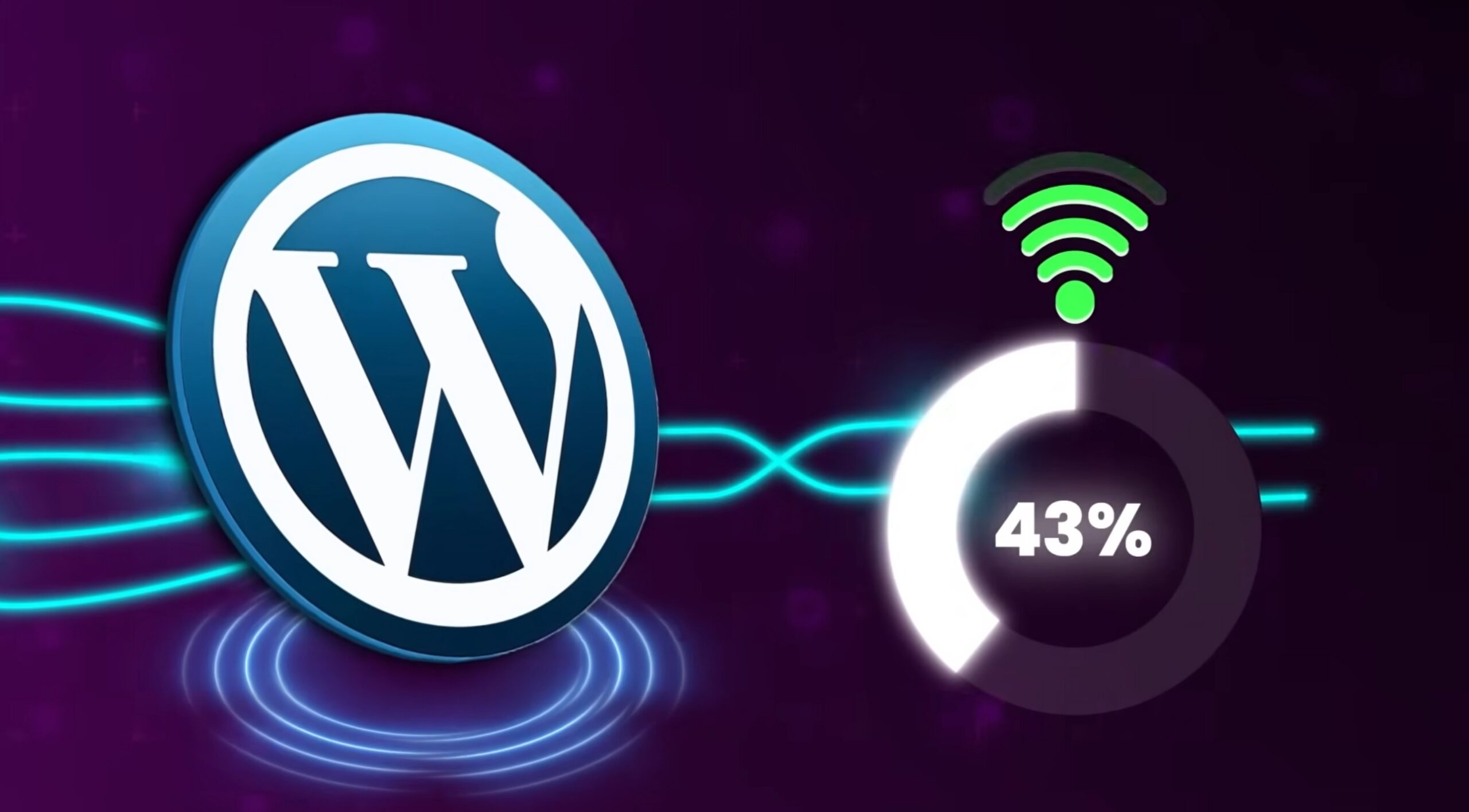
Today, WordPress powers over 43% of all websites on the internet. Not blogs. Websites. That includes:
- Small business sites
- News outlets
- Universities
- Government pages
- E-commerce stores
- Membership platforms
- High-traffic media brands
If WordPress were fragile, it wouldn’t survive at that scale. It does because it’s built on boring, reliable fundamentals — PHP, MySQL, HTML, CSS — the same technologies the web itself runs on.
What WordPress Is Designed to Do
At its core, WordPress does three things extremely well:
- Content Structure
Pages, posts, categories, tags, media, custom post types — all stored in a clean, queryable database. This is why WordPress is so SEO-friendly by default. - Separation of Concerns
- Content lives in the database
- Design lives in the theme
- Functionality lives in plugins
- Extensibility Without Breaking the Core
WordPress stays lean. Everything else is optional. You don’t install what you don’t need.
Themes, Plugins, and Why That System Works
A theme controls layout, typography, spacing, and visual structure. A good theme doesn’t try to do everything — it gives you a stable foundation.
A plugin adds functionality:
- SEO
- Security
- Forms
- Caching
- Image optimization
- E-commerce
- Membership systems
- Analytics
- Accessibility
- Custom fields
- Page builders
There are tens of thousands of plugins, but here’s the key point most beginners miss:
WordPress doesn’t require plugins to work.
Plugins exist so you choose what your site does.
That’s the opposite of closed platforms that force features you don’t need and restrict the ones you do.
Why WordPress Is Still the Best Tool on the Market
WordPress wins because it balances three things no competitor has matched at the same time:
- Ownership – Your files, your database, your domain
- Scalability – Small now, massive later, same platform
- Longevity – Backward compatibility is taken seriously
Sites built 10–15 years ago can still be upgraded and maintained today. That’s almost unheard of in software.
WordPress doesn’t chase trends. It absorbs them carefully.
Block editing. Page builders. Headless setups. REST APIs. Performance improvements. Accessibility standards. All added without breaking the ecosystem.
That’s why professionals still use it.
About the Tutorials Above This Section
The tutorials embedded above are intentionally varied. WordPress can be learned from multiple angles — setup, design, structure, workflow, best practices — and different educators explain different parts better than others.
These videos are here to:
- Give you practical walkthroughs
- Reinforce concepts from different perspectives
- Help you understand how WordPress is used in the real world
They focus on the basics — not because WordPress is basic, but because mastering the fundamentals is what makes everything else easier.
The Big Picture
WordPress isn’t popular by accident. It earned its place by being reliable, flexible, and respectful of ownership. Learn it once, and the knowledge compounds. Every theme, plugin, and site builds on the same foundation.
That’s why this page starts here — with history, structure, and context — before moving deeper.
Everything else makes sense once you understand why WordPress works the way it does.